Restoring an IBM PS/Note 2141: The ThinkPad's Big Brother That IBM Forgot
When we think of classic IBM laptops, the name ThinkPad immediately comes to mind. With its minimalist black design and iconic red TrackPoint, it defined an era. But before the ThinkPad ever saw the light of day, IBM had already taken its first steps into modern mobile computing with another line: the IBM PS/note - a pioneering system now almost entirely forgotten.
A Journey to 1990s Japan
The PS/note story begins far from IBM's U.S. headquarters. In the early 1990s, IBM Japan took the lead in innovation and design. In April 1991, they launched the IBM PS/55 Note series - laptops that were slim, lightweight, and advanced for their time. These machines were an early glimpse of what IBM could achieve in the realm of mobility.
The success was such that IBM decided to adapt these models for Western markets. This gave birth to the IBM PS/2 Note series, starting with the N33 SX in 1991 and the N51 SX shortly after. Featuring Intel 386SL processors, monochrome VGA screens, and often lacking internal floppy drives (replaced by external units), these systems were a statement of portability and forward-thinking design.
But the legacy of the PS/note was short-lived. As IBM consolidated its global strategy, it realized the need for a fresh, unified identity: ThinkPad. Interestingly, two identical models - the PS/Note 425 and the ThinkPad 350 - coexisted for a while, but the ThinkPad clearly won the battle.
My PS/note: A Time Capsule
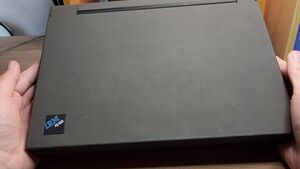
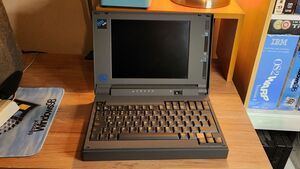
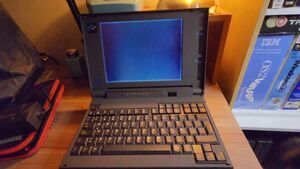
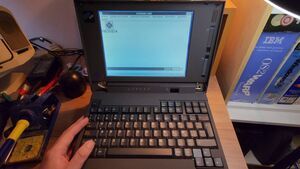
A few years ago, I found a forgotten gem: an IBM PS/note 2141-L80, powered by a 25 MHz 386SL processor, 2 MB of RAM, and an 80 MB hard drive. Incredibly, it was in near-perfect condition, having been stored for decades in its carrying case.
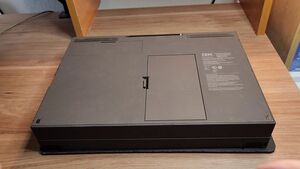
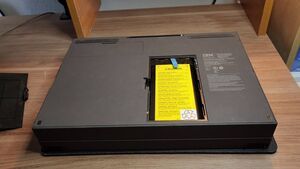
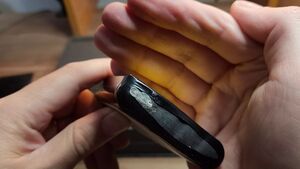
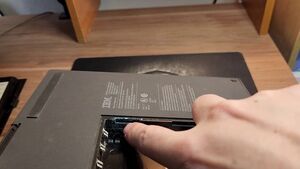
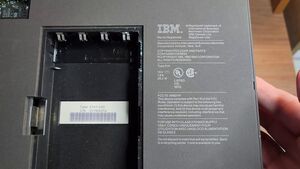
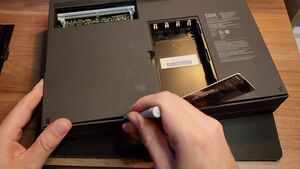
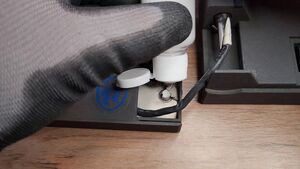
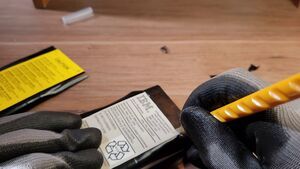
The restoration began with removing the main battery - an all-too-common source of leaks and corrosion. As expected, the pack had leaked, damaging contacts on the chassis and motherboard.
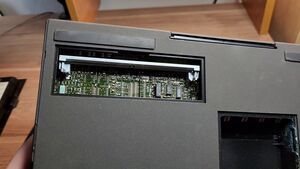
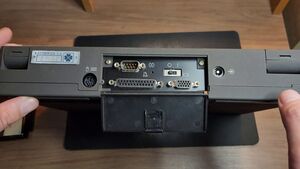
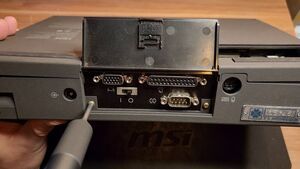
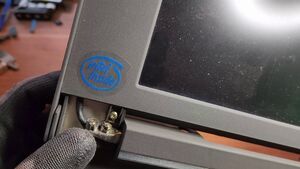
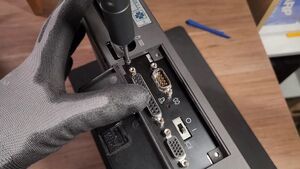
Aside from the battery cover, there's also a cover for expanding the RAM. The back includes connectors for the power supply, hybrid PS/2, serial, parallel, VGA, and a power switch. On the right: a 3.5" floppy disk drive and a modem port. The hinges, like many models of the era, were broken - an endemic problem of early IBM laptops.
View all (5 images)
Diagnosis and Repair
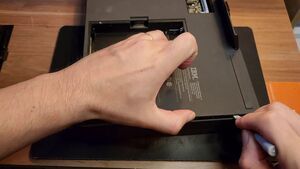
I opened the device very carefully, using a plastic card and a thumbscrew to avoid breaking the aged plastic. I separated the chassis and disconnected the ribbon cables from the keyboard, display, and lid sensor.
The first thing that caught my eye was the beautiful 386SL processor, specifically designed for laptops and capable of entering sleep mode when idle. Next to it was the socket for a math coprocessor.
The 80MB 2.5" hard drive is much thicker than the current ones, and feels very solid and robust. I insulated the motherboard, finding areas severely affected by sulfation. I removed these residues with white vinegar, fine sanding, isopropyl alcohol, and applied UV mask to protect the copper. I used pad repair stencils to restore damaged traces and resoldered components.
View all (20 images)
Screen repair
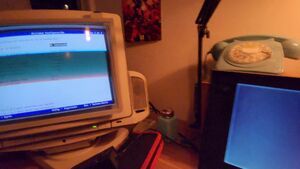
The device now powers on, but there was no image on its LCD. I connected an external VGA monitor: the image appeared, indicating a problem with the internal display or the flex cable.
After a visual inspection, I detected a poorly soldered coil that was right within range of the video circuit. I reviewed component diagrams to confirm this was an assembly error. I replaced it, but the screen still didn't display an image.
View all (5 images)
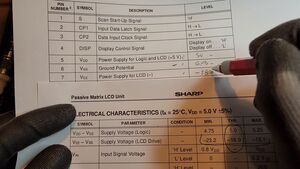
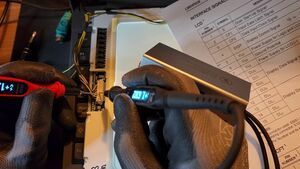
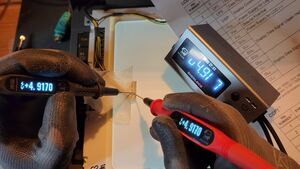
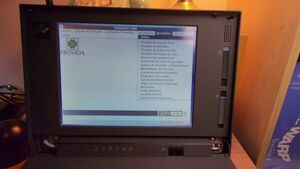
After analysis, I identified voltage drop issues when the LCD was connected. Then, when I measured with the LCD disconnected, the voltage was correct. This is usually caused by problems with the capacitors, which are unable to maintain a stable voltage when the load is connected. I noticed that the electrolytic capacitors were leaking. I replaced them all, and that's it! The image was back. The problem was the natural degradation of the capacitors, something common after decades of use.
View all (16 images)
Hinge Repairs
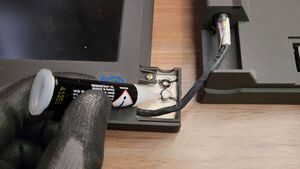
The trickiest part was restoring the hinges. Luckily, the anchors were there. I used a mixture of cyanoacrylate and baking soda to secure them, and epoxy resin to reinforce the entire chassis so that when I opened the laptop, the force would be distributed and it wouldn't break again. I also lubricated and adjusted the strength with small metal plates.
View all (14 images)
New batteries
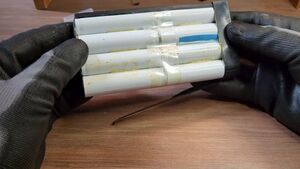
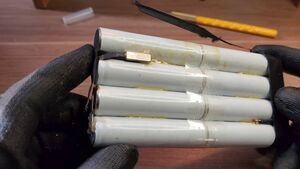
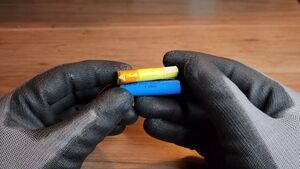
The main battery uses eight nickel-cadmium cells measuring 65x16mm. I've searched specialized stores but haven't been able to find a replacement. I'll probably make a replica using lithium-ion batteries and voltage and charge regulators in the future.
View all (5 images)
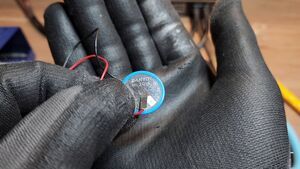
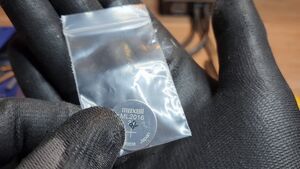
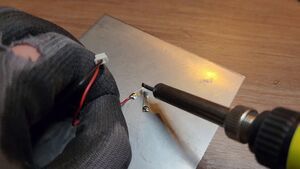
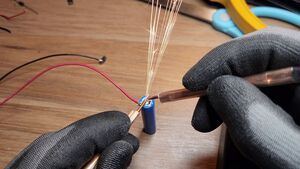
The BIOS battery is simpler to replace since it's still in production: it's a 3V ML2016. I soldered nickel-plated terminals to it and spot-welded it.
View all (6 images)
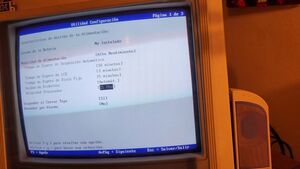
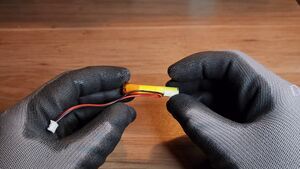
I also restored the standby battery (sleep mode), replacing it with a 10440 lithium battery and adding a small BMS to prevent overcharging and overdischarging (so it won't explode). I tested the sleep mode using a DC power supply to simulate the main battery pack, and it worked perfectly: the device goes to sleep if I disconnect the power for a while (I tried 15 minutes) and then reconnect it, and it returns to the same state. A very advanced feature for its time.
View all (7 images)
Historical content of the machine
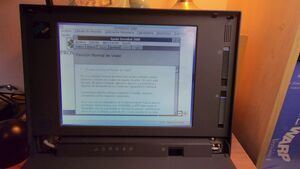
This laptop once belonged to a Chilean pension fund management company, AFP Habitat. The hard drive contained several pieces of legacy software for Windows 3.1: legal tools, calculators, and training guides. I plan to back up and upload these to archive.org to preserve a small piece of local computing history.
View all (4 images)
Retro Gaming
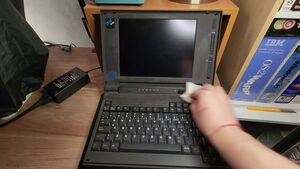
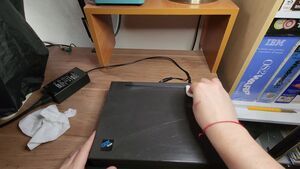
After final assembly and a gentle cleaning with soap and water (never alcohol, to preserve the soft paint), the moment of truth arrived.
I tried classic LucasFilms games like Maniac Mansion, Indiana Jones and The Secret of Monkey Island, despite having a monochrome screen you can still enjoy the art of these video games, added to the nostalgic, annoying but pleasant haha PC speaker.
View all (13 images)
Final Thoughts
The IBM PS/Note series of laptops is more than a technological oddity and a collector's item: it's the missing link that preceded the ThinkPad and helped define what we understand today as an ultra-compact notebook computer (a computer the size of a sheet of paper). And although the world has forgotten it, in this corner of the internet, it's lit up again, pixel by pixel, beep by beep from that speaker.
Here's the video I posted on YouTube documenting the restoration:
Comments (0)
No comments yet.