Saving an IBM PS/1 from destruction in a scrap metal sale
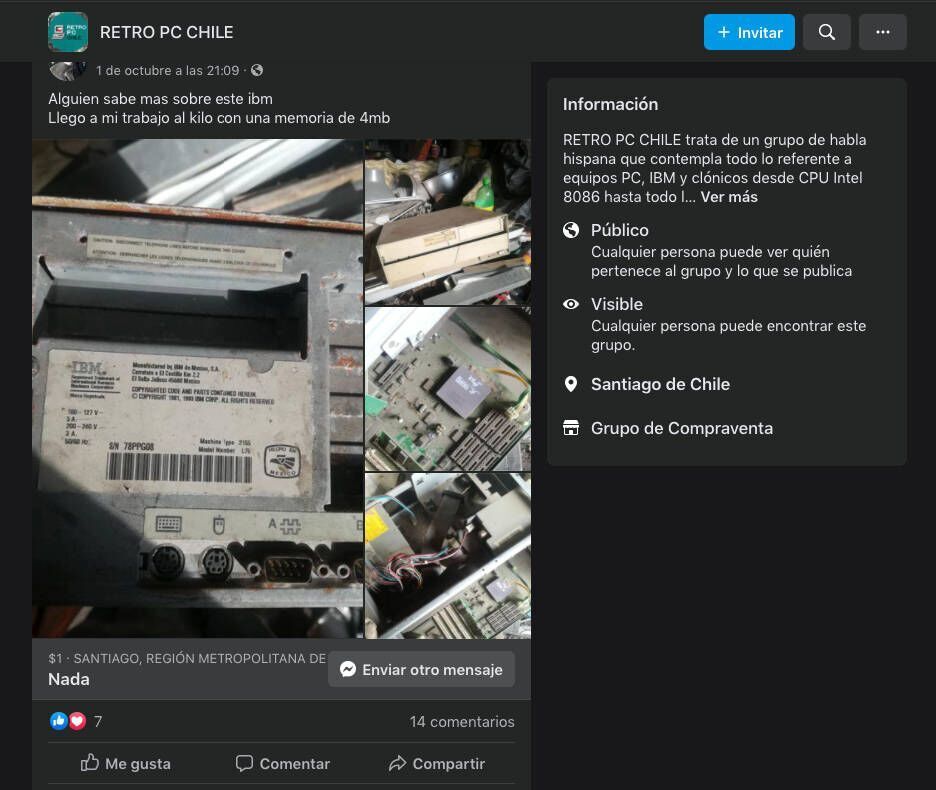
In a Retro Hardware group, I came across a post from a scrap buying-and-selling company where they had received an old IBM PS/1 (486 processor, 33 MHz, 4 MB RAM). If it wasn't sold soon, it would be destroyed and sold as scrap.
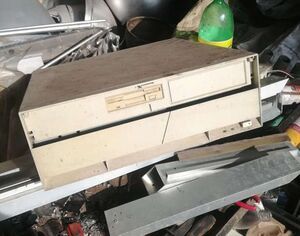
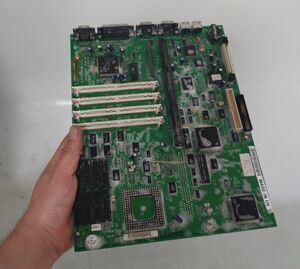
Naturally, I couldn't pass up the opportunity. I contacted the owner, who turned out to be a very kind person. He allowed me to thoroughly inspect the PC; At first glance, it looked extremely damaged, with a lot of dirt and corrosion everywhere. It seemed someone had left it exposed to the elements, and the chances of it working on the first try seemed very slim. Despite this, I took the risk and bought it.
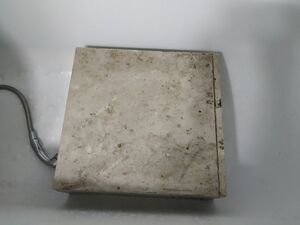
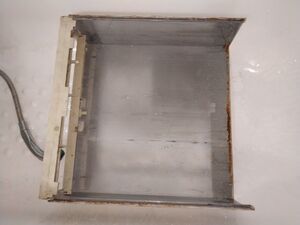
Here are some pictures of the neglected state it was in:
View all (9 images)
The machine's specs, according to Wikipedia:
| Model |
CPU |
RAM |
Video chip |
Hard-Drive |
| 2155 | Intel 80486SX 33 MHz | 4 MB 4x72 Pin FPM | Cirrus CL-GD5424 | 171 MB IDE |
Cleaning and Removing Corrosion
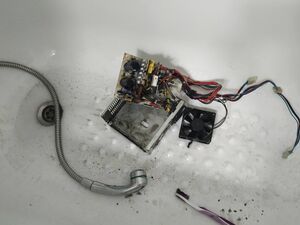
Mixing water and electronics is something most people would instinctively avoid. While pure water is not electrically conductive, the water that comes through our household pipes contains many minerals that do conduct electricity and can cause a short circuit. By default, most electronic components are encapsulated in materials such as plastic, ceramic, or glass, which are watertight and prevent water from penetrating. Therefore, it is possible to wash an electronic board with water and soap. The key, after washing, is to use a method to expel water from the circuit's crevices, such as compressed air.
In fact, this is not an unusual procedure. It is common for PCBs to be submerged in a liquid after assembly to remove solder residue or debris from the manufacturing process. The most common method involves immersing them in an ultrasonic cleaning bath. Following this principle, I washed all the parts with water and soap, including the electronic components (I removed overlaid parts like RAM, the processor, and cards to prevent water from accumulating in hard-to-dry areas) and then dried them using an air compressor.
After the motherboard and power supply had dried, I ran a test (motherboard with processor and RAM connected to the power supply). The system powered on correctly, and the best part was that it displayed an image on the screen. Everything was fine at this point. I replaced the battery that maintains the BIOS date and configuration and added the hard drive. To my surprise, the hard drive was in good condition! The system booted into MS-DOS and Windows 3.11 without any issues. Running a Scandisk revealed a couple of bad sectors, but nothing too serious. This success motivated me to continue the project.
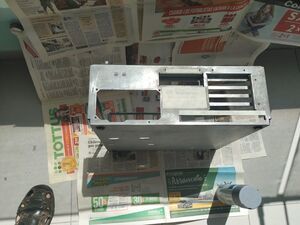
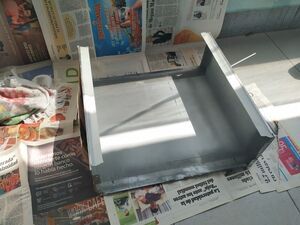
To remove the rust on the motherboard, I used fine sandpaper and a Dremel—a lot of work. Ideally, I would have replaced the connectors, but during the pandemic, they were hard to find. Luckily, the rust was limited to the outer surface of the connectors. For the metal on the bottom of the case, I sanded and polished it thoroughly before applying paint:
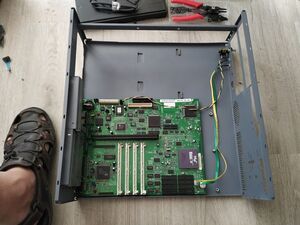
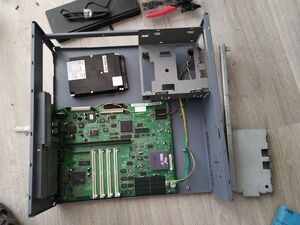
Once painted, I began reassembling the parts, carefully putting everything back into place.
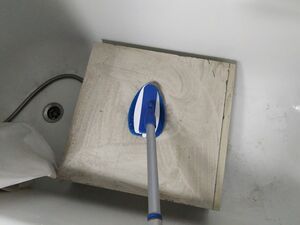
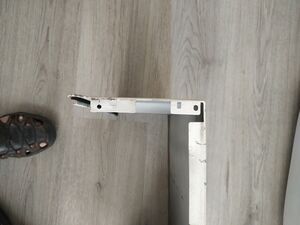
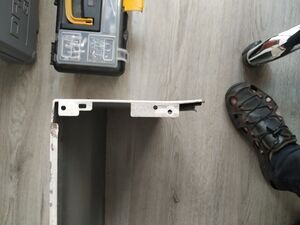
I moved on to the top part of the case. It was clear that whoever had tried to open the PC in the past applied brute force, damaging parts of the front plastic panel and denting the metal. They had apparently tried to remove the cover by prying it open with some kind of tool. Using my knowledge of dent removal, a wooden block, and a hammer, I managed to straighten out the metal.
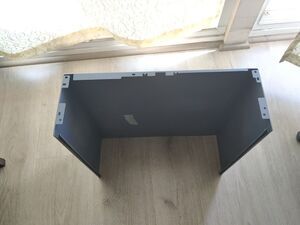
I used an ice-colored paint, which I didn't even know existed but turned out to be the closest match to the original cream color of the surface. I only painted the areas that had been sanded down to their gray primer. For the rest of the case, I left the original paint intact. After all, who was I to erase the battle scars that had brought this machine to where it is now?
View all (9 images)
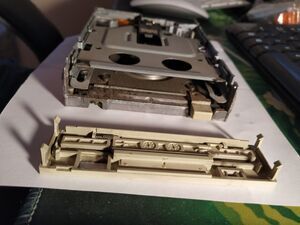
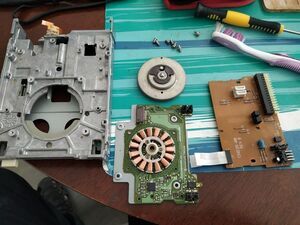
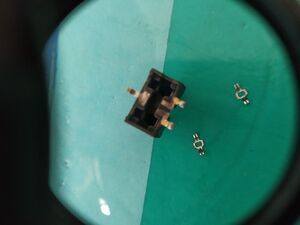
Cleaning and Repairing the Floppy Drive
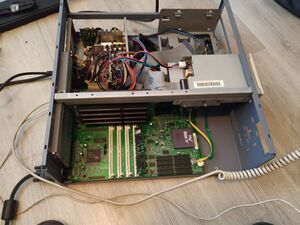
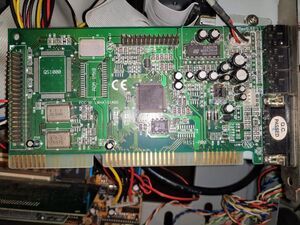
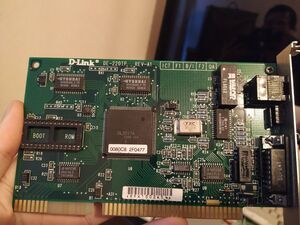
Add two ISA cards, one for sound and one for network connection:
Videos of the process:
Comments (0)
No comments yet.